
Choose a Genre
Set the broad musical direction.
Follow a defined sequence from creative direction to organised MIDI export. Each step tells you what to do next without turning the page into another feature list.
This page shows what you do and in what order. Detailed tool capabilities live on Features; full interface tours live Inside the App.
Set the broad musical direction.
Define the project’s character and energy.
Choose the emotional tone.
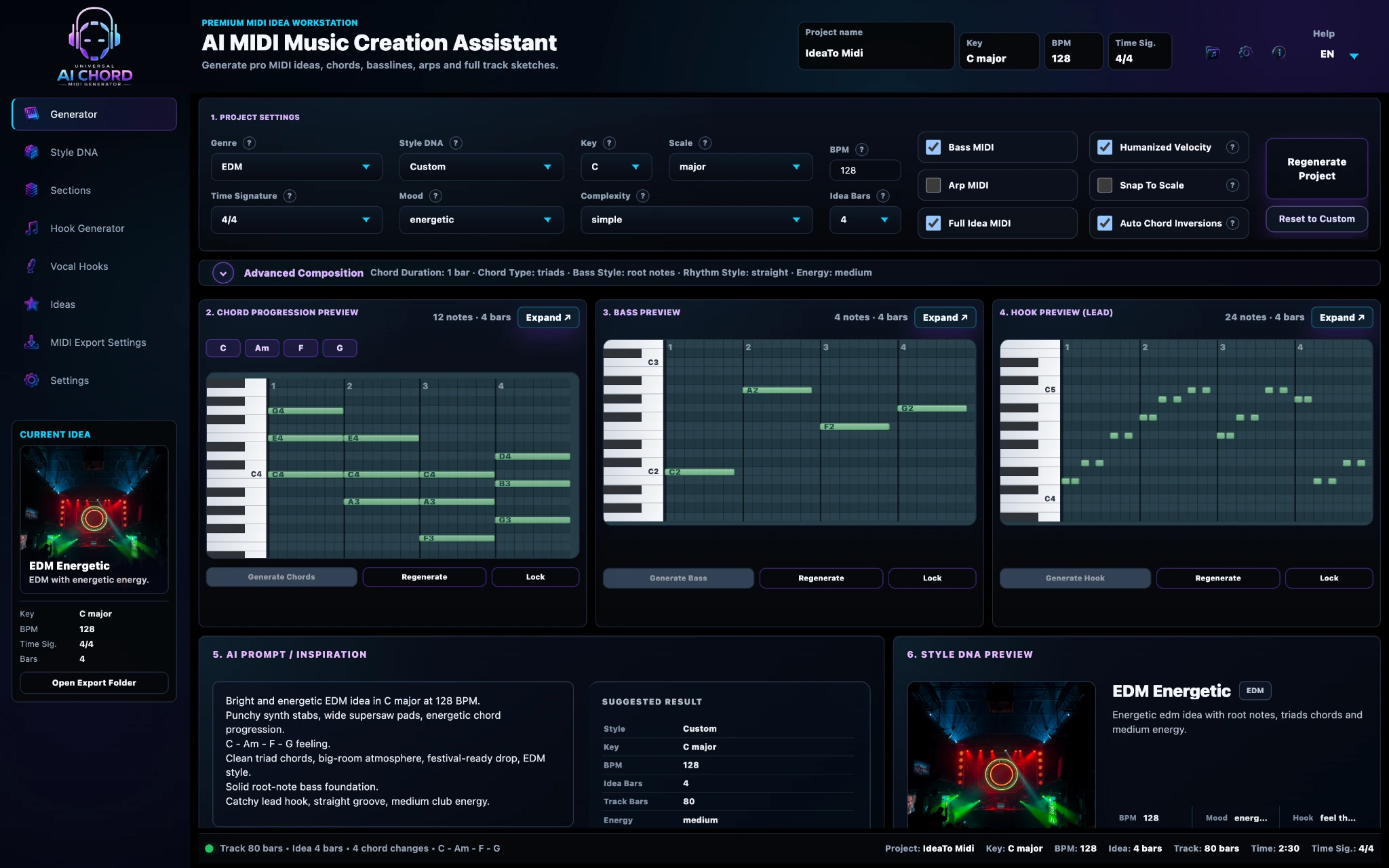
Create chords, bass and a lead hook.
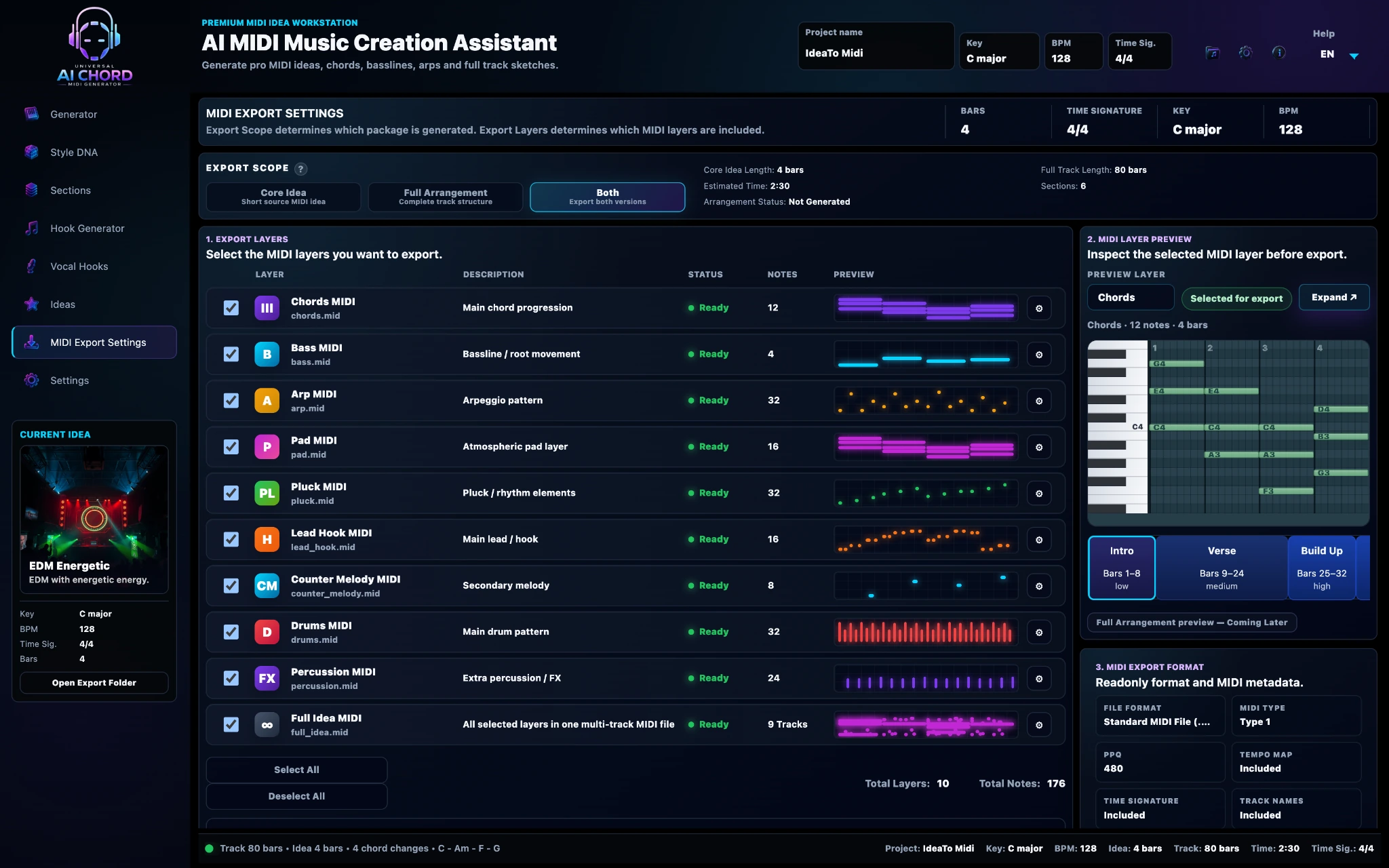
Turn the loop into a track structure.
Compare hooks and ideas before committing.
Continue production in your own DAW.
Choose the direction, create the core musical material and inspect the real notes in the Generator Piano Rolls.
Build the full track structure, compare creative alternatives and apply only the ideas you want to keep.
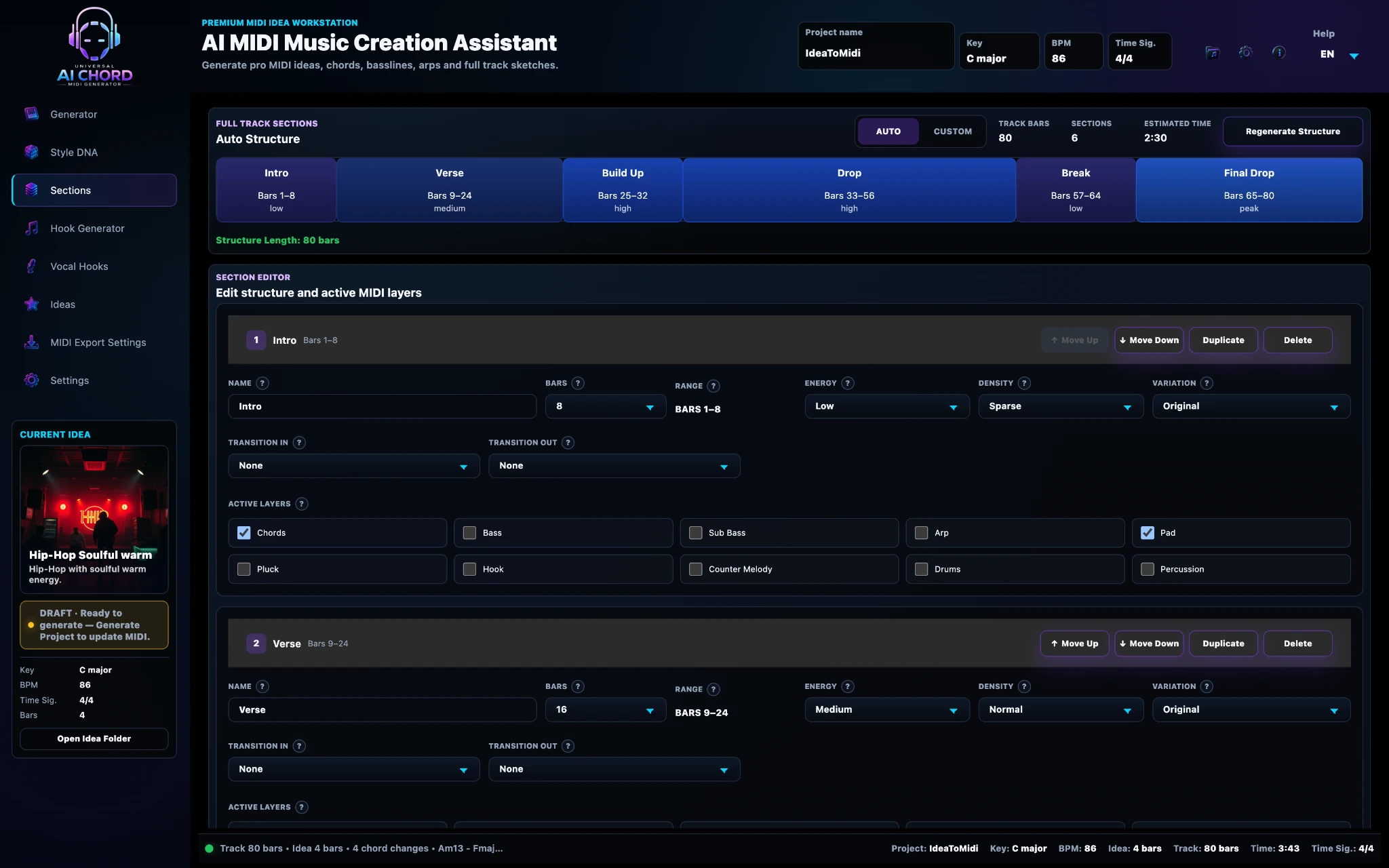
Select the required layers, inspect the MIDI preview and export an organised package for your production workflow.
A practical example of how one idea moves through the workflow.
Trance, ASOT Uplifting, emotional mood, 138 BPM.
Four-bar chords, rolling bass and melodic hook.
Intro, Build, Drop, Break and Outro with changing energy.
Chords, bass, hook and full arrangement imported into the DAW.
Universal MIDI prepares the editable musical foundation. Your instruments, sound design, arrangement decisions, mix and final master remain yours.
No. You can use only the tools you need. The workflow is connected, but each stage remains optional.
Yes. Chords, bass, hooks and other elements can be adjusted or regenerated without replacing the entire project.
Yes. The main path uses simple decisions, while advanced controls remain available when you need them.
No! The app uses AI to help you find and develop the starting idea as editable MIDI. You then move it into your DAW, choose the sounds and complete the arrangement, production, mixing and mastering yourself.
Use the seven-step path as a guide, then adapt it to the way you create.
Apply for Private Beta